The notebook was already a great idea.
It just needed a better app.
Handwriting, audio recording, flashcards, presentation mode, smart paper templates and more. Built for iPad.

Coming soon to the App StoreOne canvas
Everything starts on the page.
Write, record, study, and share — all on one canvas, in one app. No add-ons, no second window, no subscription. This is the whole toolkit.
Write
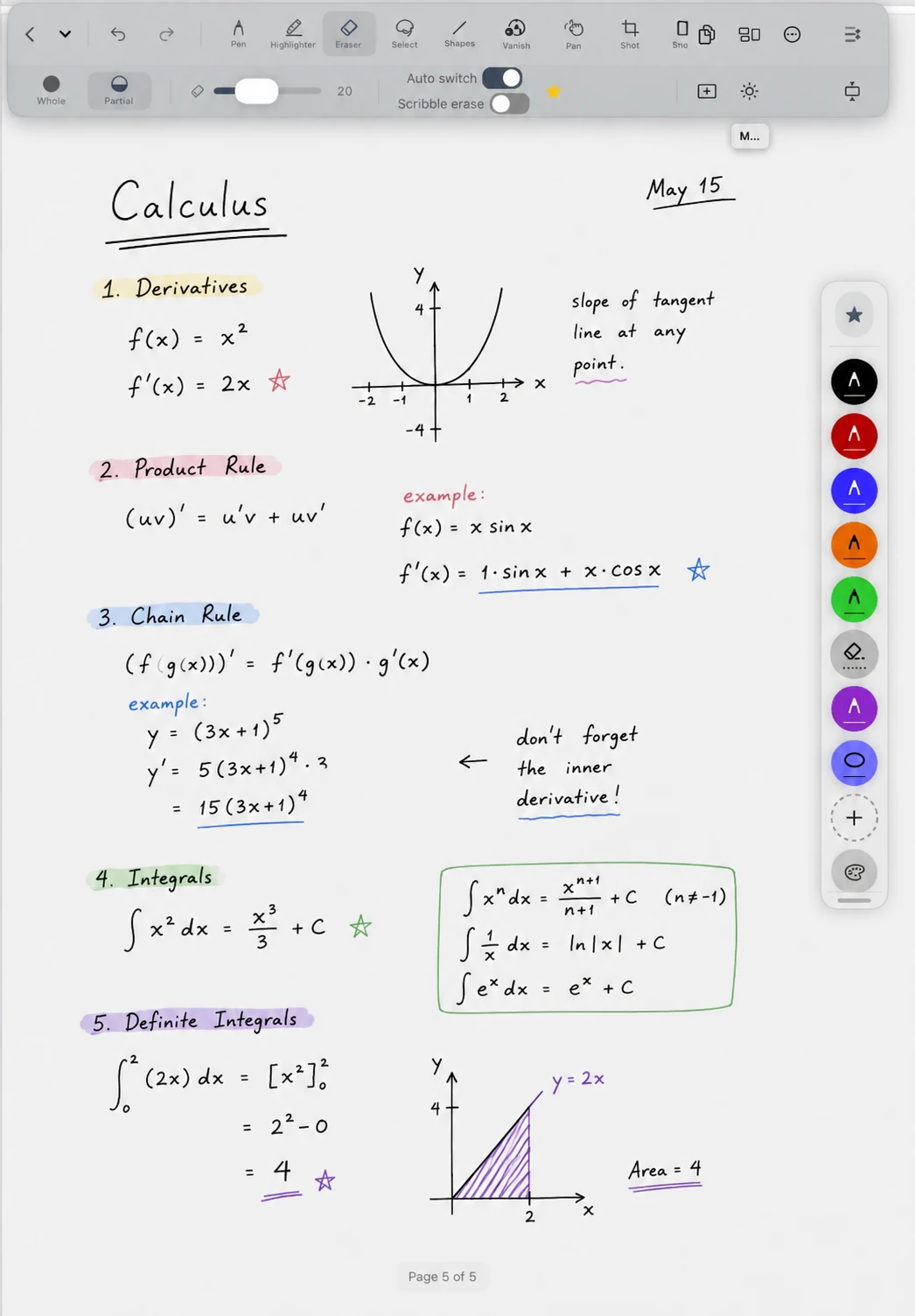
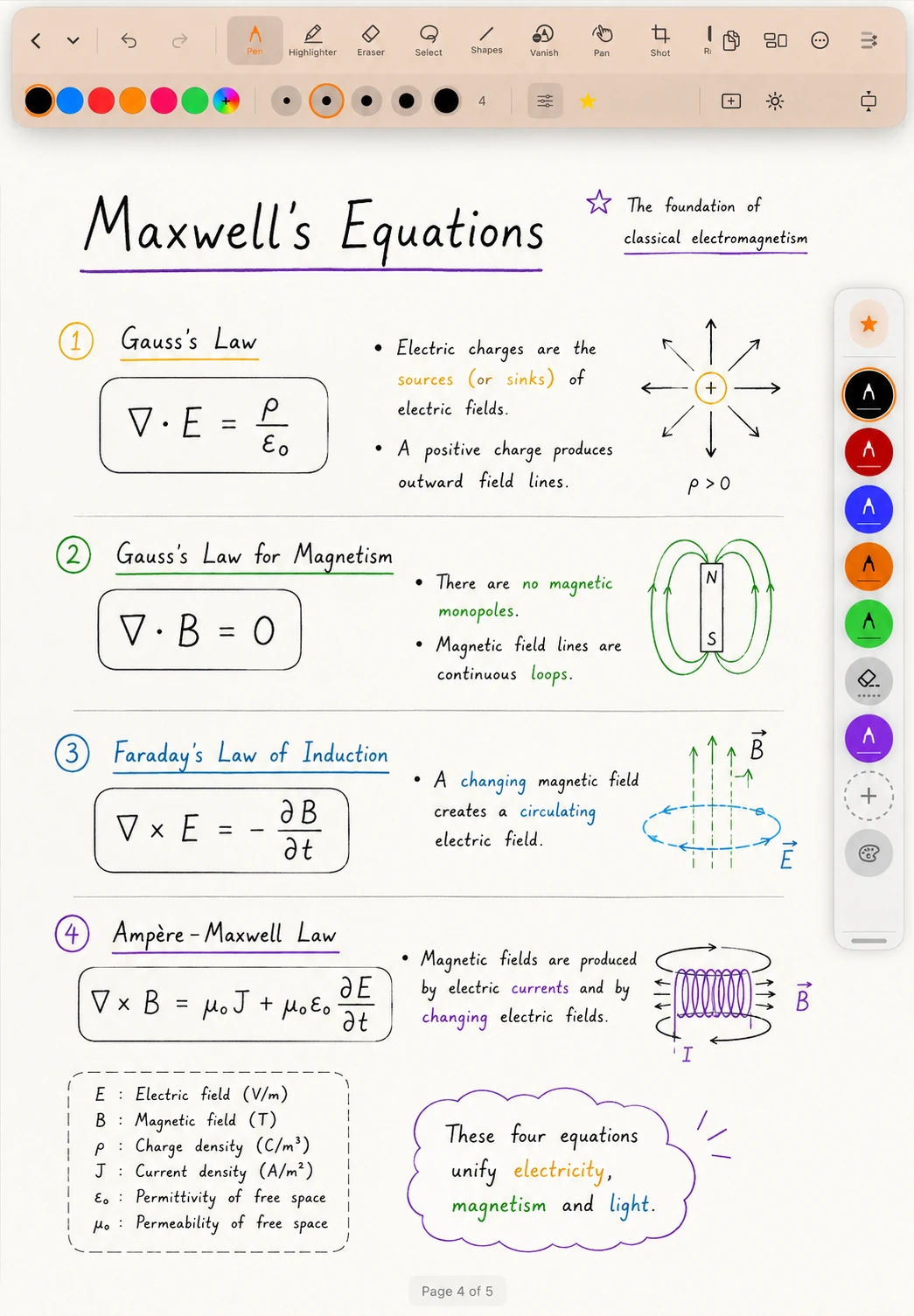
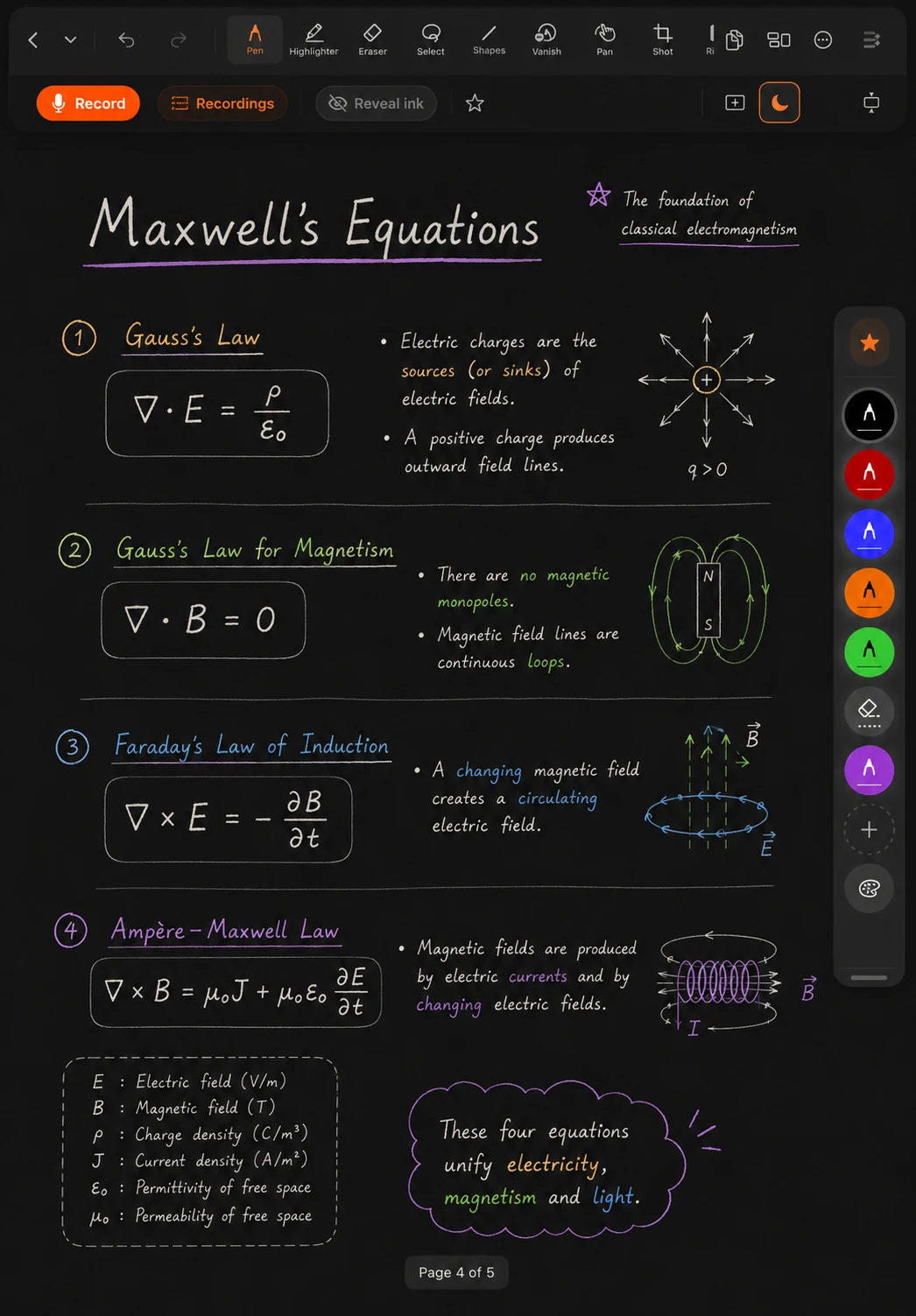
Pressure-and-tilt ink, Smart Shapes, lasso editing
Record
Audio notes that sync to every stroke
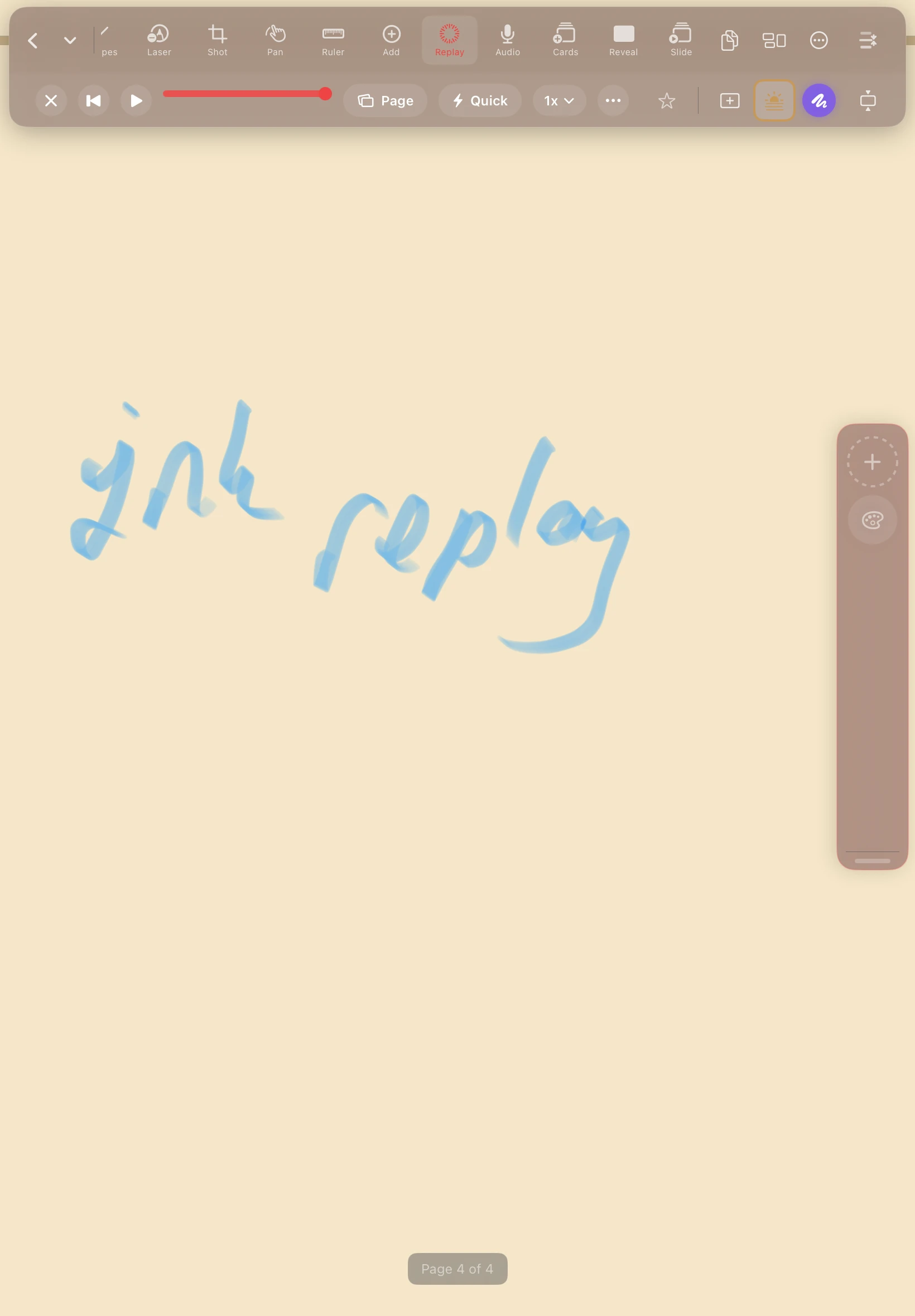
Replay
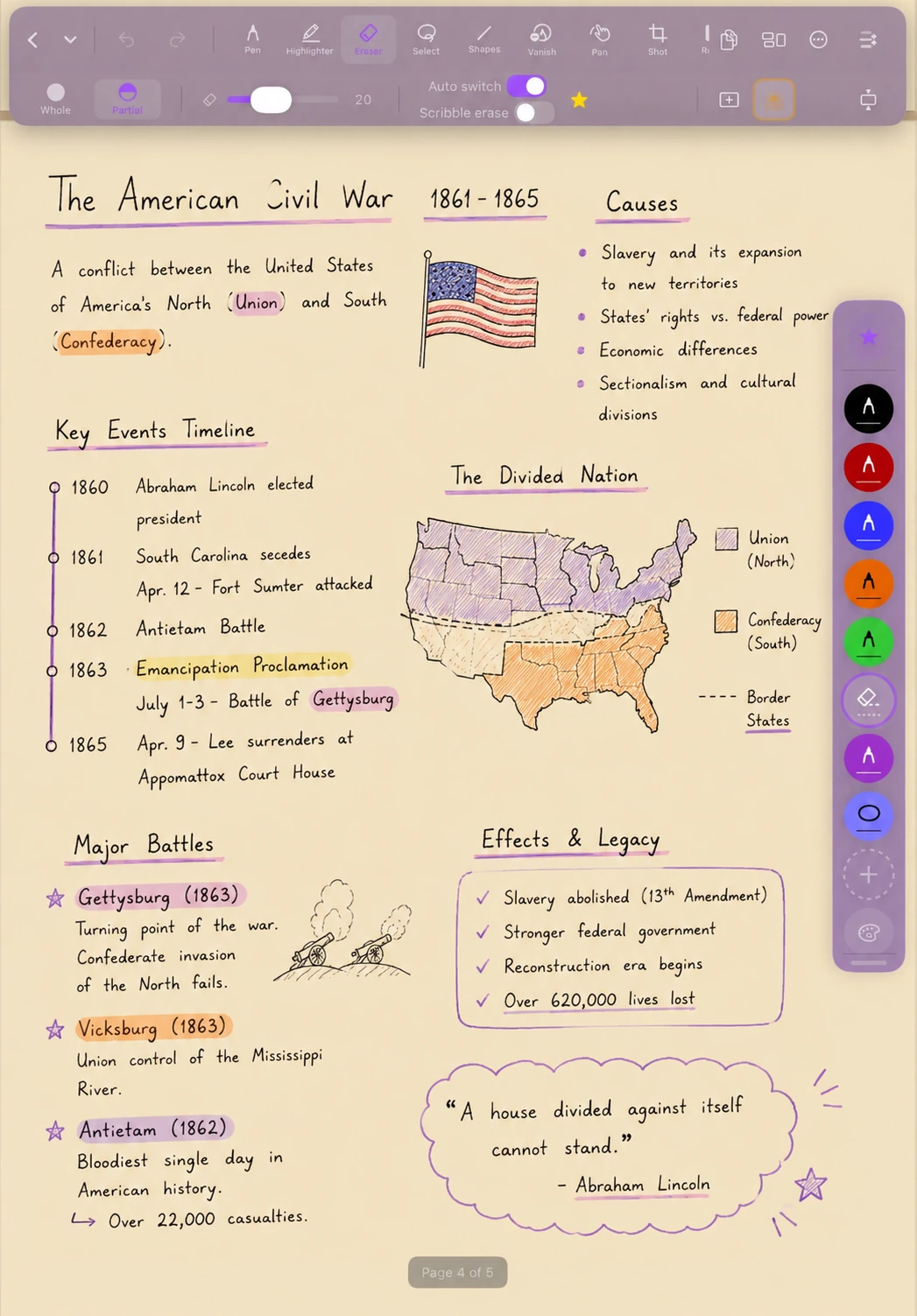
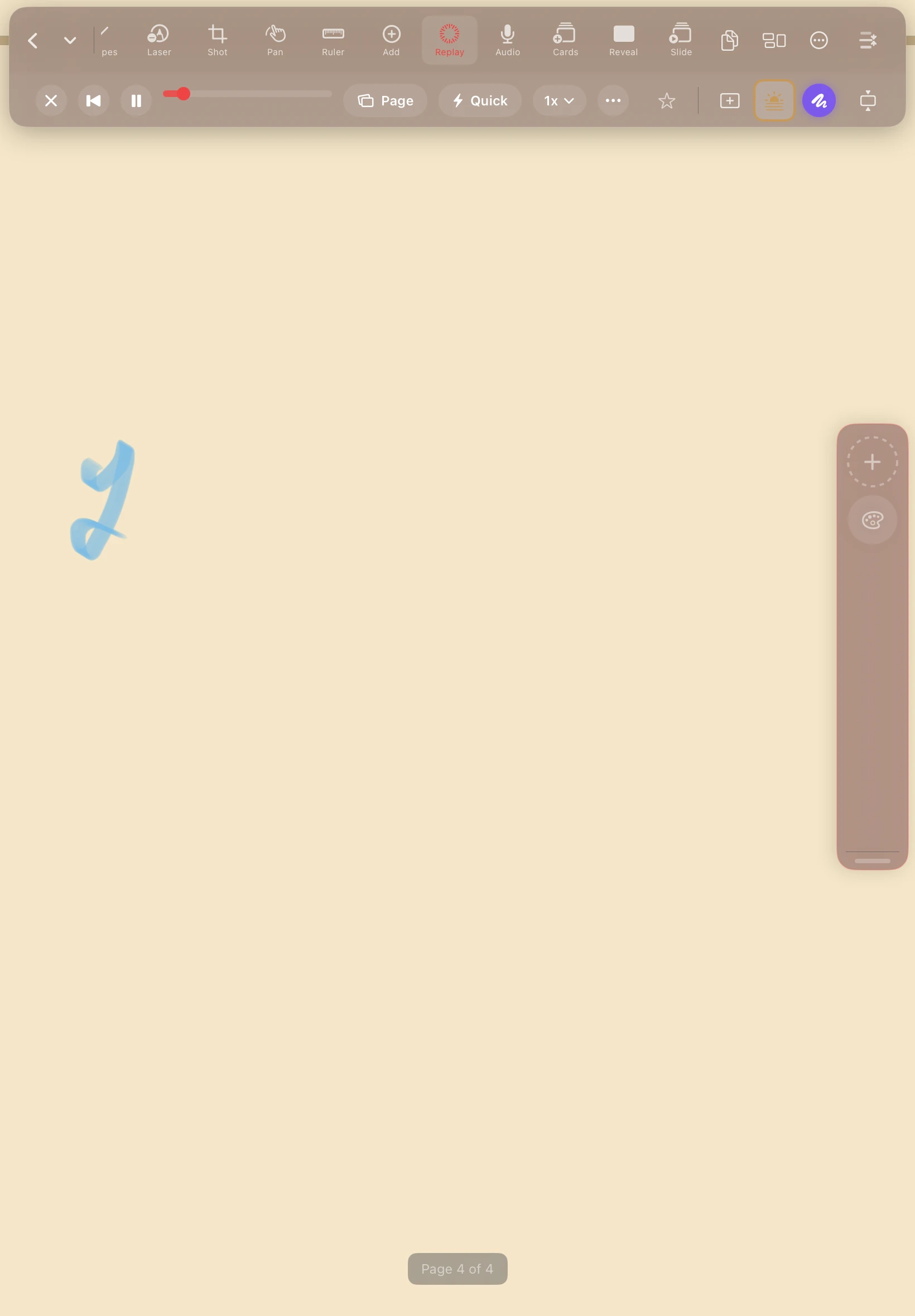
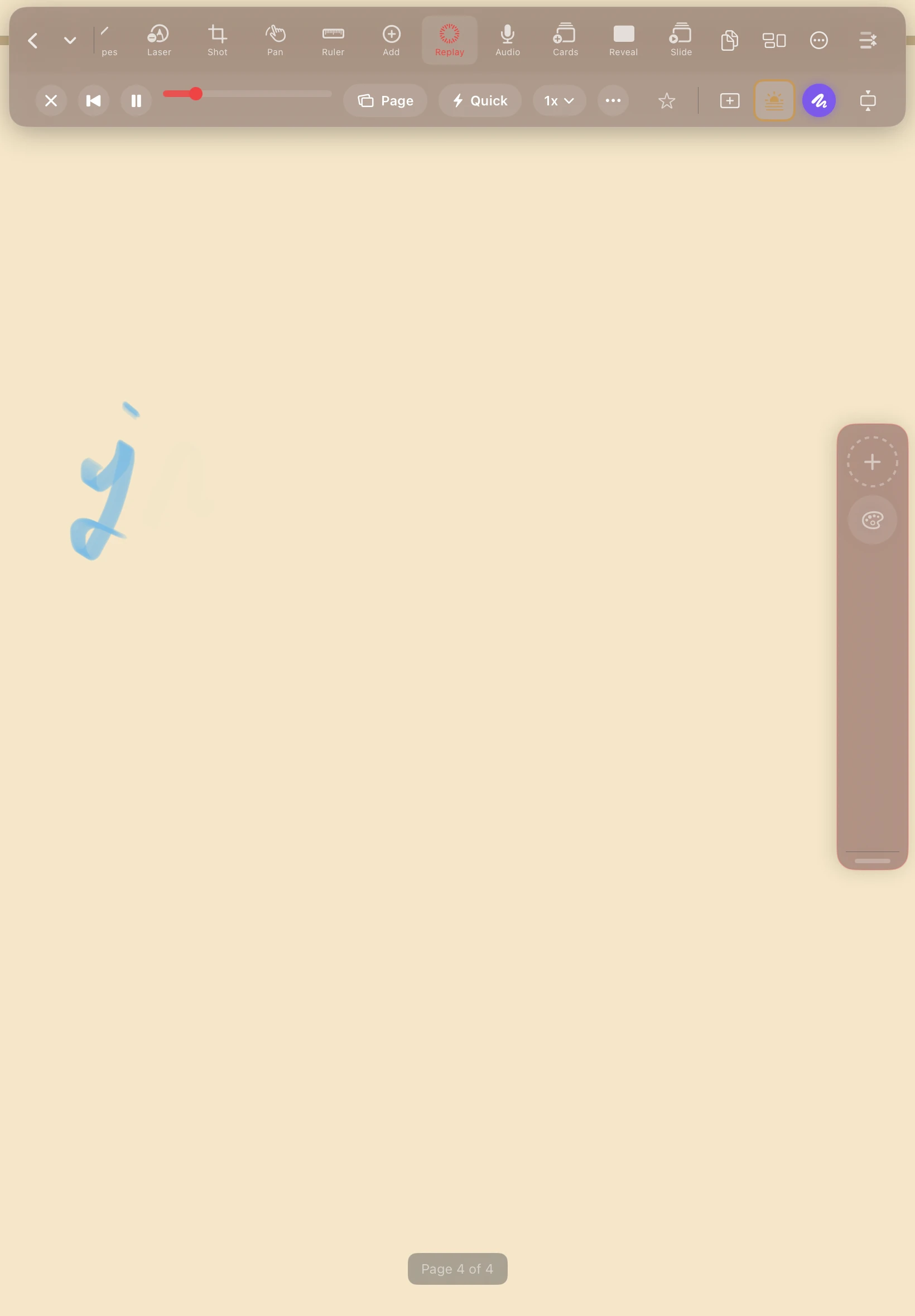
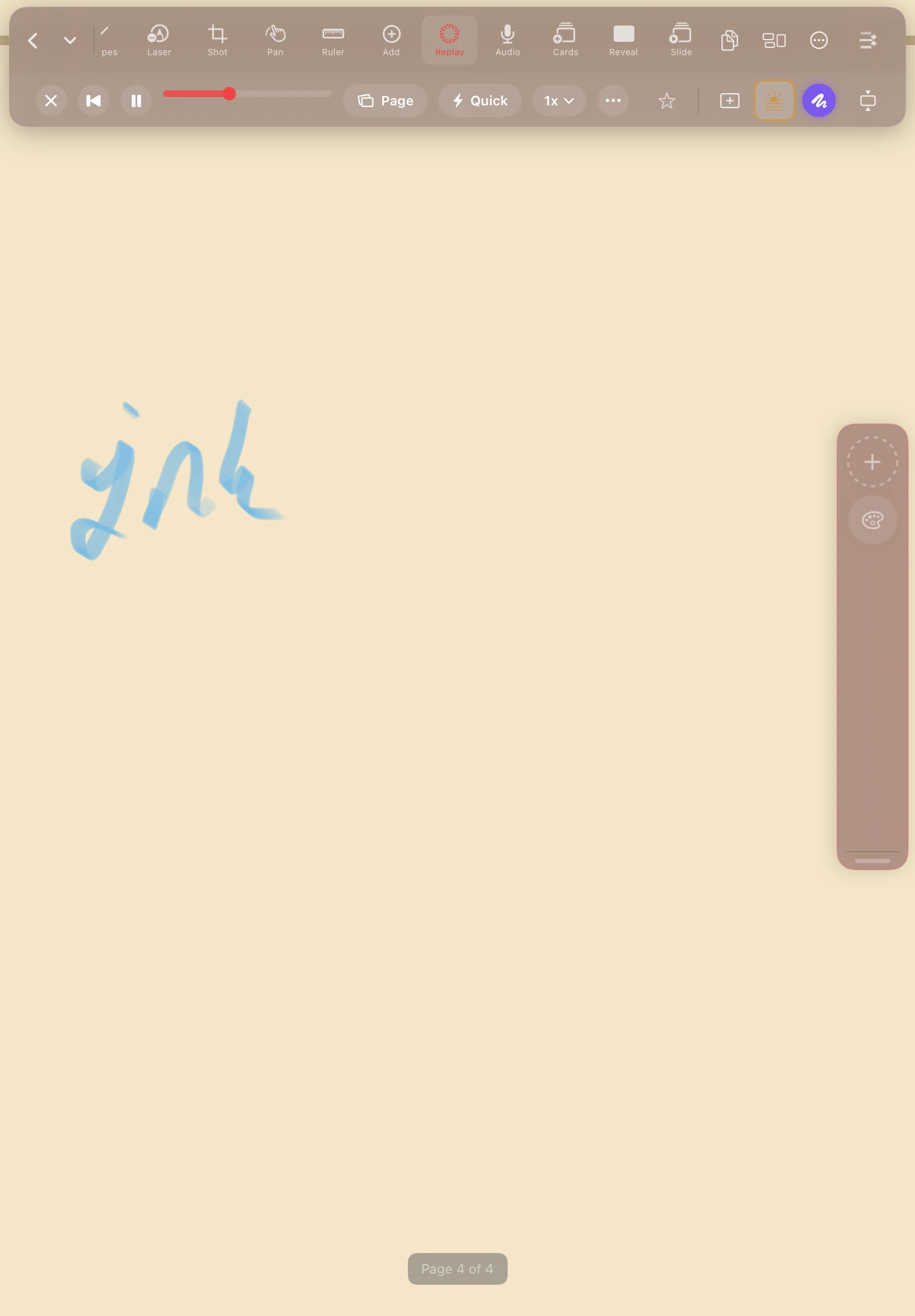
Watch ink redraw on a timeline — export as .mp4
Study
Flashcards from your handwriting, spaced for recall
Scan
Document scanner, plus PDF and photo import
Present
Full-screen presenter view with a fading laser
Search
Handwriting OCR across every notebook at once
Protect
Per-notebook Face ID, private iCloud, local backup
Write
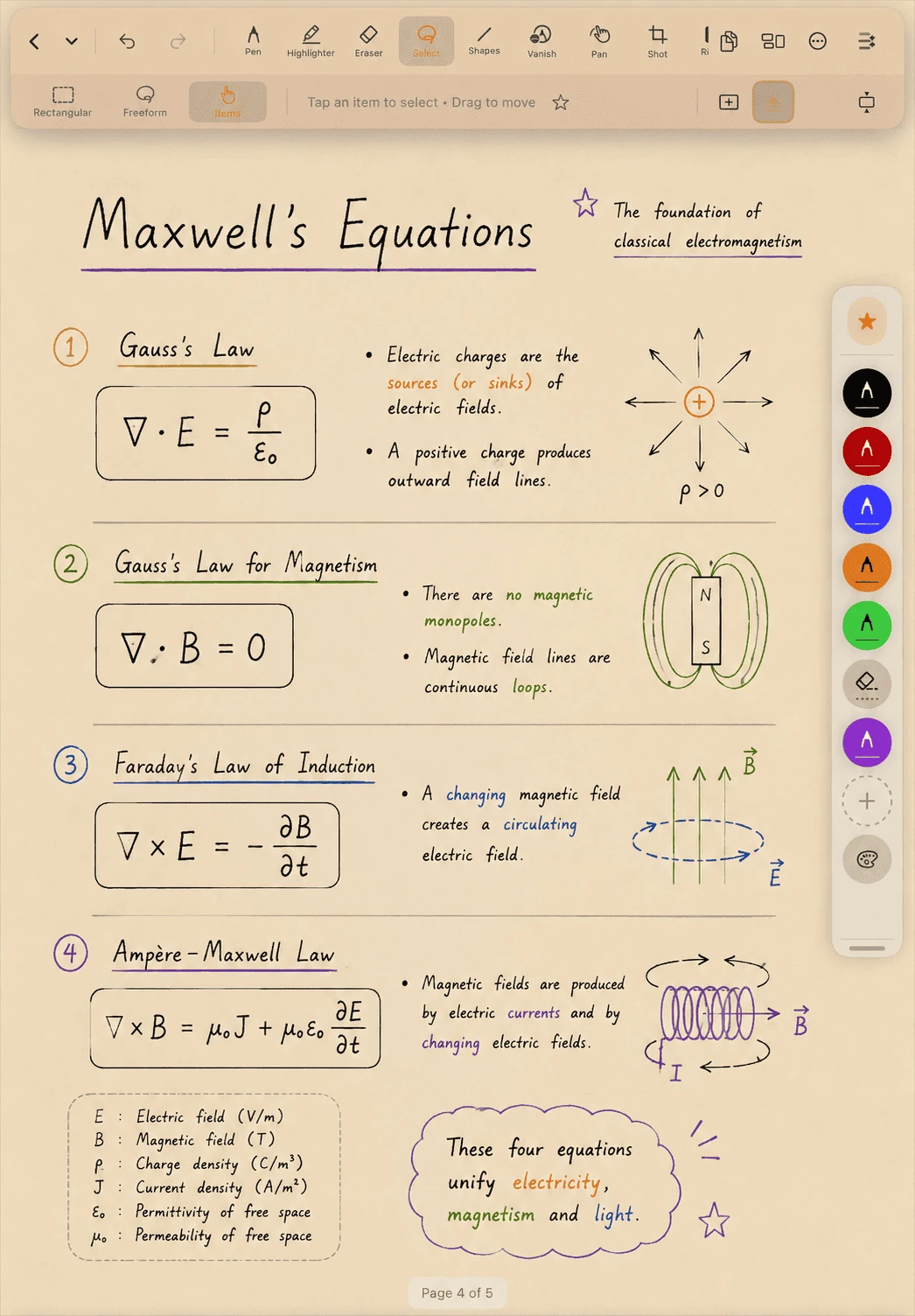
Night, sepia, or vanishing.
One tap drops the canvas into Eclipse mode for late-night writing, or warm Sepia to rest your eyes — and both bake straight into your PDF exports. Flip on Vanishing strokes to mark a thought and let it fade. The whole toolbar moves anywhere and remembers where you put it.

Configurable
Your DefterPad, your rules.
DefterPad bends to how you work. Move the toolbar to either hand. Save your favourite pens, sizes, and colors as Tool Sets and switch with one tap. Map the Apple Pencil Pro squeeze to whatever you actually reach for — swap pen and eraser, jump back to your last tool, open the color picker, undo, or toggle shapes. Nothing is hardcoded. You decide what does what.

Audio & Replay
Record once. Replay everything.
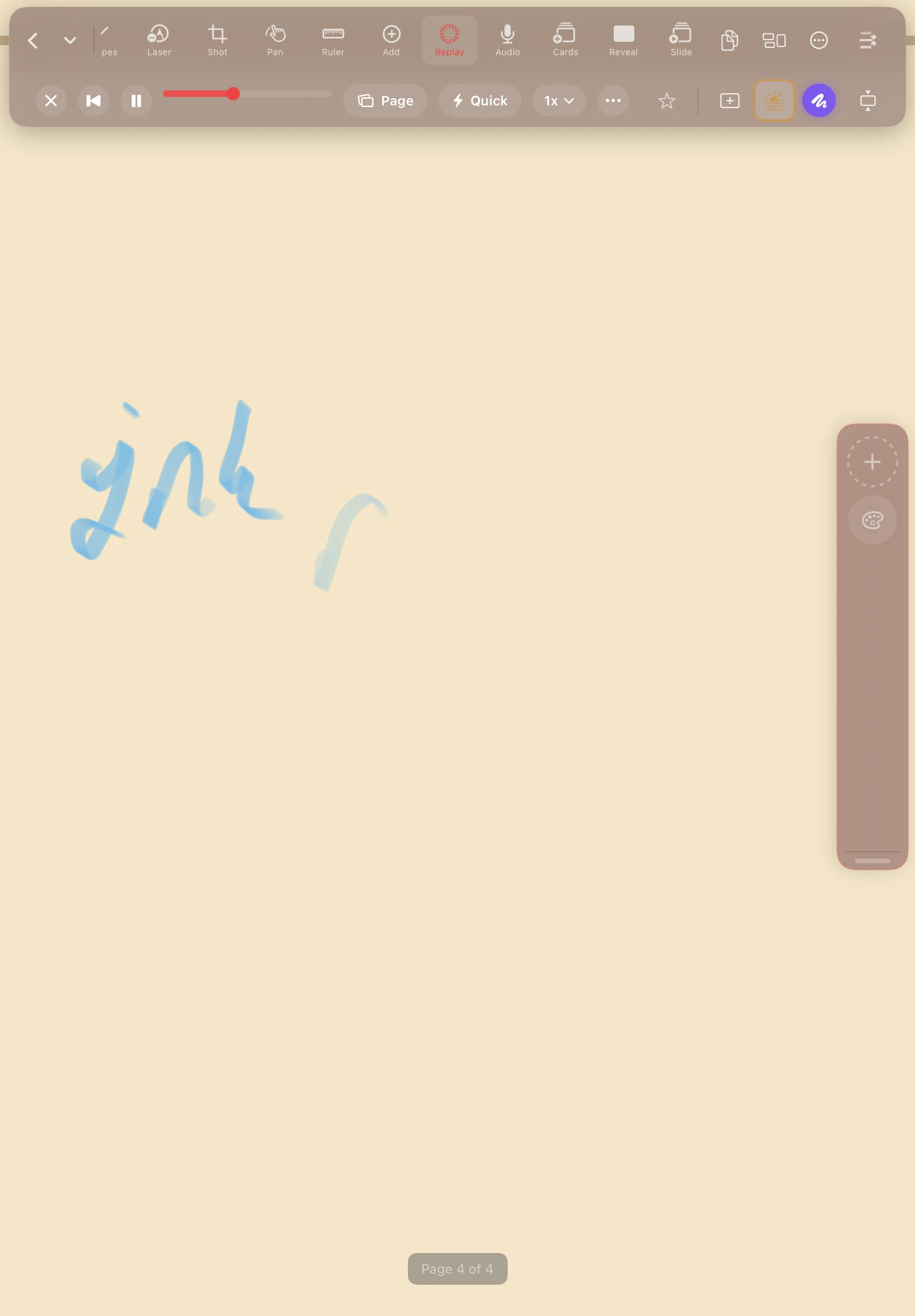
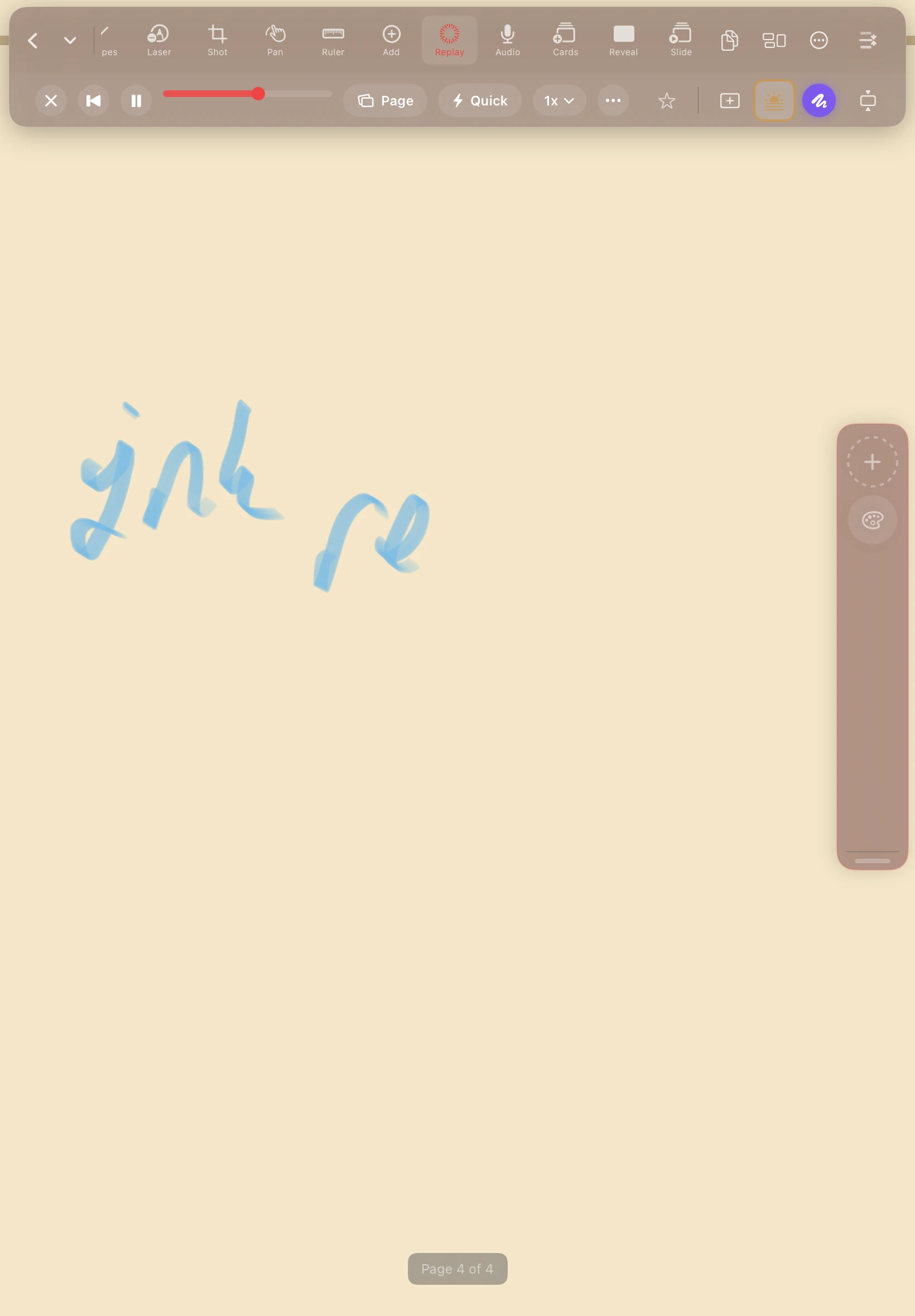
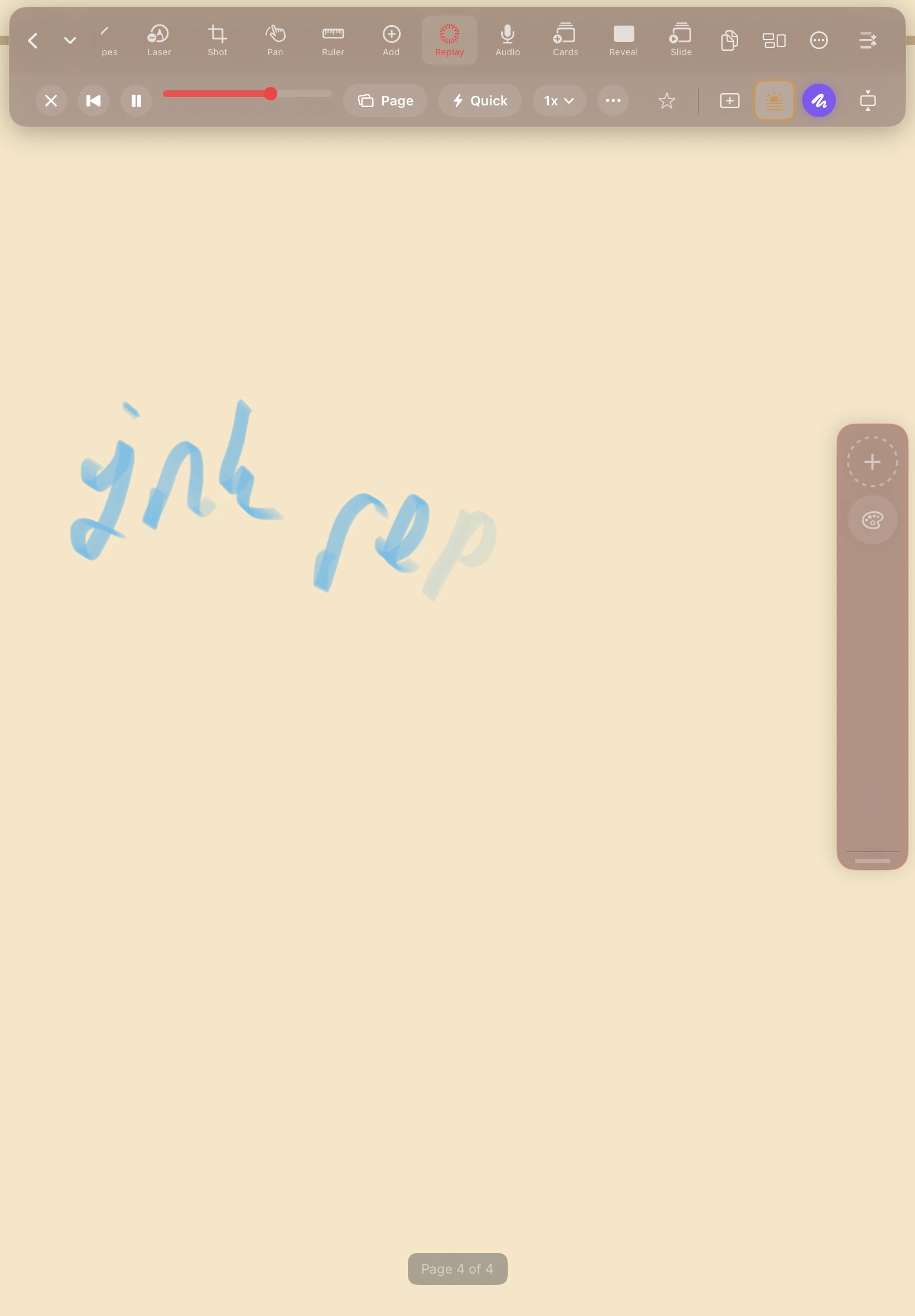
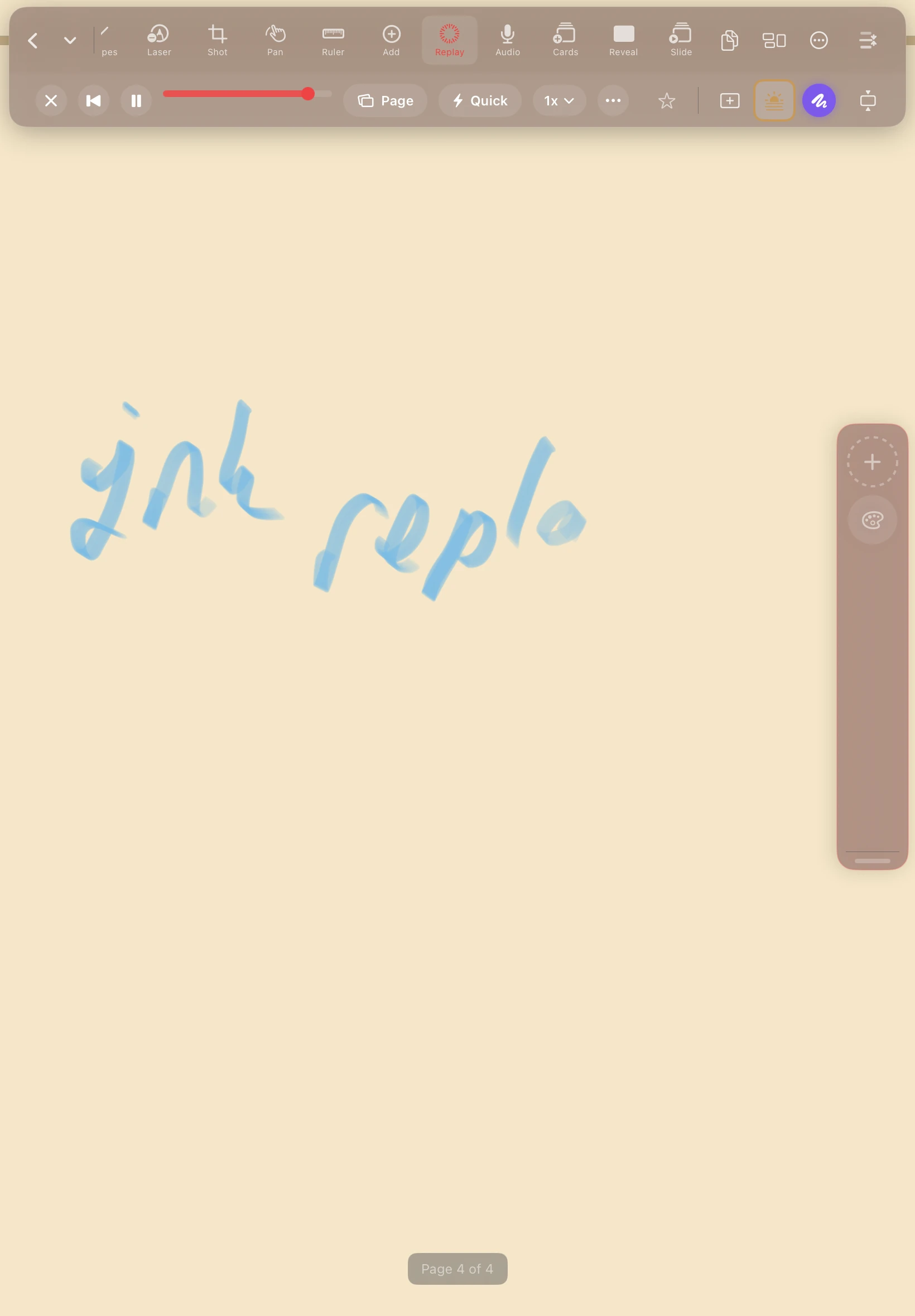
DefterPad records audio while you write and scrubs your ink in perfect sync on playback. Tap any region to hear the exact moment you wrote it. Export the whole session as a real .mp4 and share how the thinking happened, stroke by stroke.
Library
Yours. Synced. Locked when it matters.
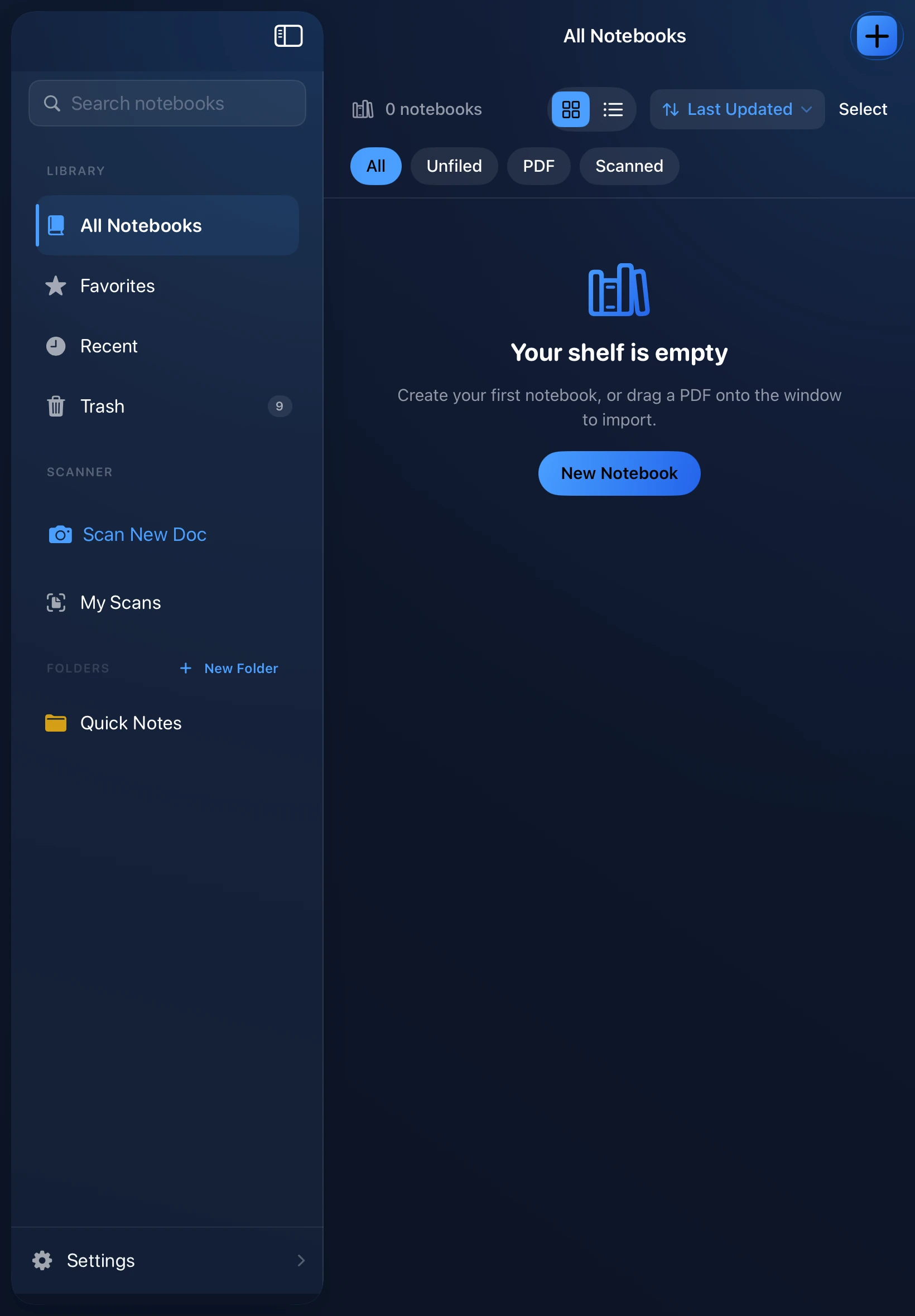
Unlimited notebooks, tags, and instant search across every page. Lock individual notebooks behind Face ID. Sync privately through iCloud with no account — or keep everything local. Point auto-backup at any folder you choose, from iCloud Drive to an external drive.


Appearance
You decide how everything looks.
Covers, papers, templates, and interface trim. Full cover customization — color, gradient, texture, or your own photo. Ten alternate app icons to swap the look on your Home Screen. Tune it until it feels like your notebook, not an app.
No subscription.
No account.
Just open it and start writing.
Coming soon to the App Store